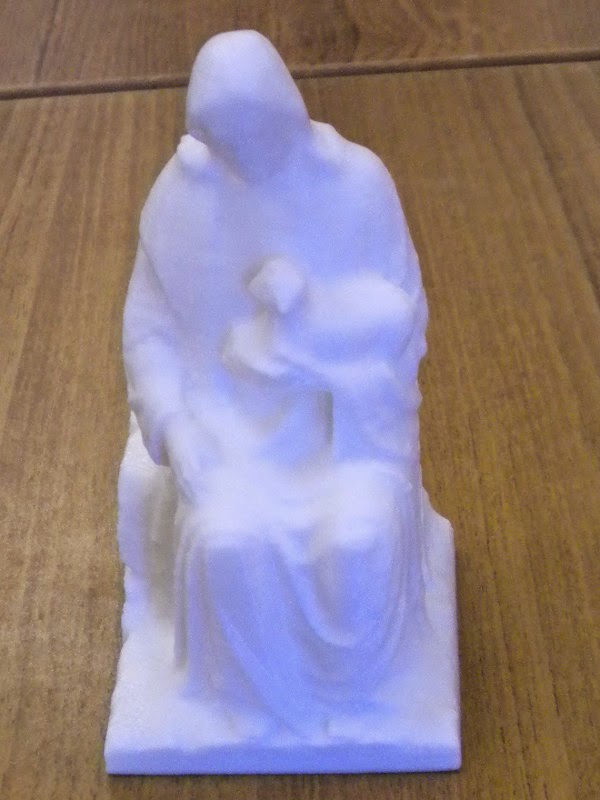
Statue of Jesus Get link Facebook X Pinterest Email Other Apps September 24, 2014 This statue of Jesus was printed during the demonstration of the 3d printer for curriculum night. It was a hit with the parents! Get link Facebook X Pinterest Email Other Apps Comments
3D Printing Club keychains early November November 13, 2014 Michaela's keychain about a youtube channel and Arian's keychain from an anime character. Read more
Making a Keychain in Google Sketchup September 24, 2014 Take a look at a tutorial on how to make a 3d key chain out of a png graphic! We are going to try and make a Notre Dame key chain we can sell at the Shamrock to buy more plastic for the 3d printer. The arc tool is very useful, see a tutorial here Read more


Comments
Post a Comment