Showcasing the designs and prints of computer students at our school.
Snowflake
Get link
Facebook
X
Pinterest
Email
Other Apps
It's a little early for snow but Steven designed an awesome snowflake in blender. We printed it in two colours, stopping the printer after it finished the base switching from blue to white.
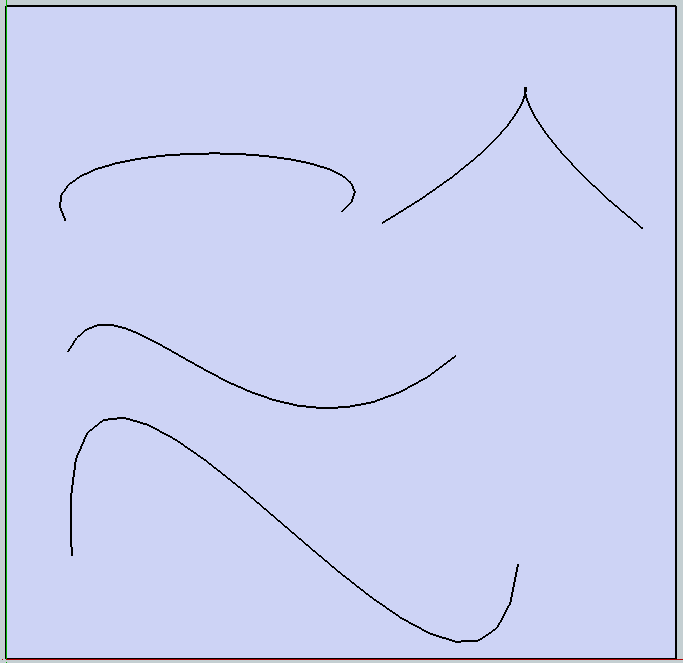
You can draw curves and curved objects in sketchup by installing the bezier curve extension. Here are some examples of what you can do with this tool: If you want this functionality at your school computer, ask me and I can log in as an administrator for the download and install. Step 1: Download the bezier curve extension Step 2: Launch Sketchup Step 3: Go to Window->Preferences Step 4: Select Extensions Step 5: Choose Install Extensions Step 6: Locate the rbz file you downloaded in step 1
Take a look at a tutorial on how to make a 3d key chain out of a png graphic! We are going to try and make a Notre Dame key chain we can sell at the Shamrock to buy more plastic for the 3d printer. The arc tool is very useful, see a tutorial here


As you can see, I switched from blue to white a little too early, hence the white "frost" on the base...
ReplyDelete